Perfect Prints Every Time. How the Infigo and Enfocus PitStop Integration Delivers Error-Free Automation at Scale
Print production has changed massively in recent years. Whether it’s web-to-print for packaging & labels or GCP, customers not only demand the ability to order on demand, they expect flawless delivery.
Whether you’re producing intricate folding cartons, high-impact wide-format displays, or high-volume label runs, the demand is the same: deliver fast, deliver flawlessly, and deliver consistently.
But while your production team is primed for efficiency, a single faulty file (whether that’s an RGB image, a missing font or a transparency issue) can throw a major wrench in your workflow.
And not every web-to-print platform can automatically reduce print file errors.
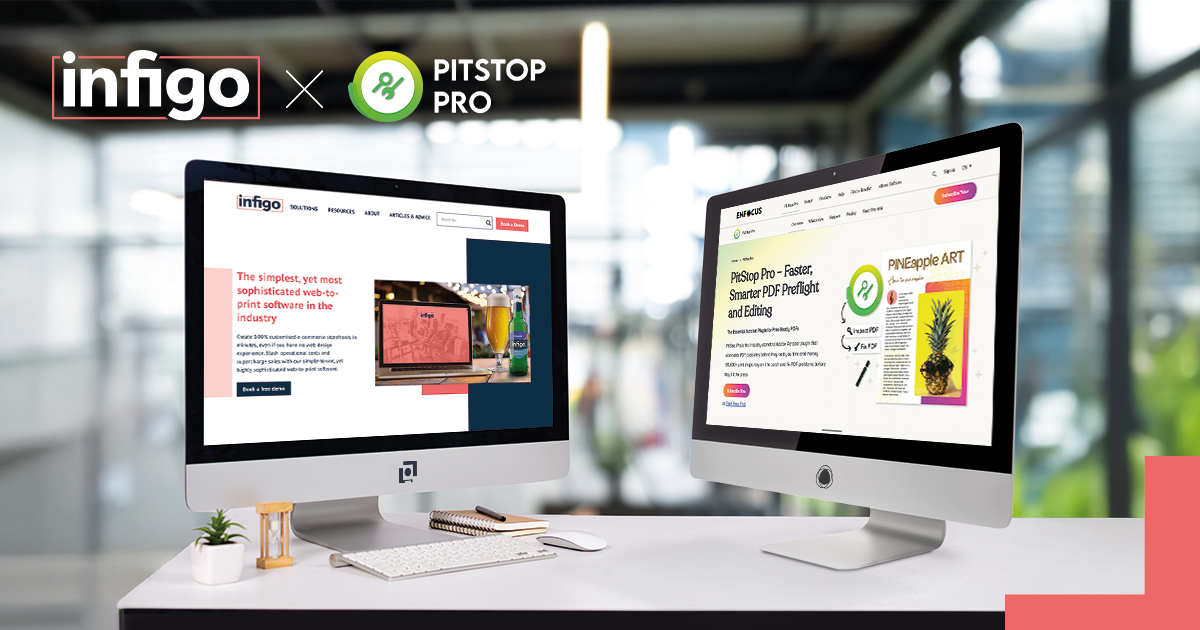
This is why the Infigo–Enfocus PitStop integration, is the most adopted module in the Infigo ecosystem and arguably the leader in preflight automation for printers.
It’s the automation powerhouse quietly transforming how print businesses manage files, from upload to output. And it’s driving ROI across every corner of the commercial print sector.
Why Preflight Automation Is No Longer Optional
Let’s face it: manually checking every file is time-consuming, error-prone, and expensive. A missed low-res image or a wrongly embedded colour profile might not be caught until production is well underway; resulting in reprints, wasted materials, frustrated teams, and disappointed customers.
That’s why automated PDF preflight is no longer just a “nice-to-have.” It’s a core requirement for any print operation serious about scaling without sacrificing quality or turnaround speed.
The Infigo Enfocus PitStop integration automates these checks, detects errors instantly, and crucially fixes them on the fly. That means fewer touchpoints for your team, fewer errors for your clients, and a smoother path from web-to-print to production floor.
So how much difference can it make to the workflow? One Enfocus user was able to slash pre-press handling time from 45 minutes to just 3 minutes – for every single job.
How It Works: Three Steps to Precision
What makes this integration so effective? It’s the intelligent, structured way it handles every file that passes through your workflow. The module uses three tailored Enfocus profiles that automate key prepress stages:
1. Check PDF
The system begins with an in-depth analysis of the uploaded file. It flags common issues like:
- Low-resolution images
- RGB colours needing CMYK conversion
- Missing or non-embedded fonts
- Incorrect trim boxes or bleeds
Even for non-technical users, validation is instant so all errors are caught before the file reaches production.
2. Fix PDF
Here’s where the magic happens. This profile automatically resolves many of the most common issues – converting RGB to CMYK, correcting fonts, flattening transparencies, and adjusting bleed areas, all without manual intervention.
3. Output PDF
Finally, the system packages and outputs a fully print-ready file that meets your exact production specifications. It’s optimized for speed, precision, and downstream automation.
The result? A streamlined, error-free workflow where every file conforms to your press requirements the moment it hits the system.
Real-World Impact Across Print Verticals
From high-volume label printers to custom packaging producers and wide-format specialists, the benefits of preflight automation are immediate and measurable.
How the integration delivers value across sectors:
- Labels & Packaging: Seamlessly handles complex dielines, bleed adjustments, and image resolutions for retail-ready packaging without back-and-forths.
- Large Format: Automatically validates oversized files, ensuring colour accuracy and print scaling for exhibition graphics, banners, and signage.
- Commercial Print: Reduces turnaround on standard jobs like brochures, flyers, and business cards with minimal proofing and rapid press-readiness.
Production teams report saving significant time per job simply by eliminating repetitive file checks and corrections. That time quickly adds up: directly improving throughput, reducing human error, and freeing teams to focus on high-value tasks.
Trusted by the Industry – Infigo’s Most Adopted Module
It’s no coincidence that the Enfocus PitStop integration is Infigo’s top-selling and most widely adopted module. As part of Infigo’s broader automation ecosystem, this integration has become the go-to for printers looking to cut waste, reduce admin, and supercharge their turnaround times.
Backed by the trusted PDF technology of Enfocus PitStop Pro, and seamlessly embedded into the Infigo web-to-print platform, it ensures every file meets your shop’s print standards; even when uploaded by a first-time customer with zero print knowledge.
Empowering Every Team in the Workflow
The PitStop integration empowers every role in a print business, providing value across the workflow:
- Operations Managers gain reliability and scale with fewer workflow disruptions.
- IT Professionals enjoy seamless integrations with existing systems and simplified error tracking.
- CEOs and Owners benefit from reduced costs, improved efficiency, and faster time-to-market.
- Prepress Managers spend less time fixing files and more time optimising output.
- Customer Service Teams face fewer complaints, as files flow smoothly from storefront to press.
By addressing file issues at the very first touchpoint, the upload. The entire production process becomes leaner and more agile.
Part of a Bigger Automation Vision
Infigo’s mission has always been to simplify and streamline print production through powerful web-to-print automation. The PitStop integration plays a key role in that vision, sitting alongside dynamic product builders, smart templates, and end-to-end job tracking.
This isn’t just a one-off fix. It’s part of a scalable infrastructure that allows printers to grow, adapt, and stay competitive in an evolving market. And with PitStop as a core module, you’re not just reducing errors, you’re building a smarter, more responsive production line.
Key Takeaways
- Industry-Proven: The most installed module in Infigo’s portfolio. Trusted by hundreds of commercial, label, packaging, and wide-format printers.
- Preflight Perfection: Runs comprehensive checks, fixes common issues automatically, and outputs print-ready files in moments.
- Massive Efficiency Gains: Saves hours per job, reduces reprints, and cuts customer support queries related to file issues.
- Future-Ready: Designed for high-volume workflows with seamless scalability across product types and print environments.
- Universal Empowerment: Whether you’re on the shop floor or in the boardroom, the PitStop integration enhances every stage of the print journey.